Works withSigenergy solar and battery systems, with the Modbus TCP server switched on
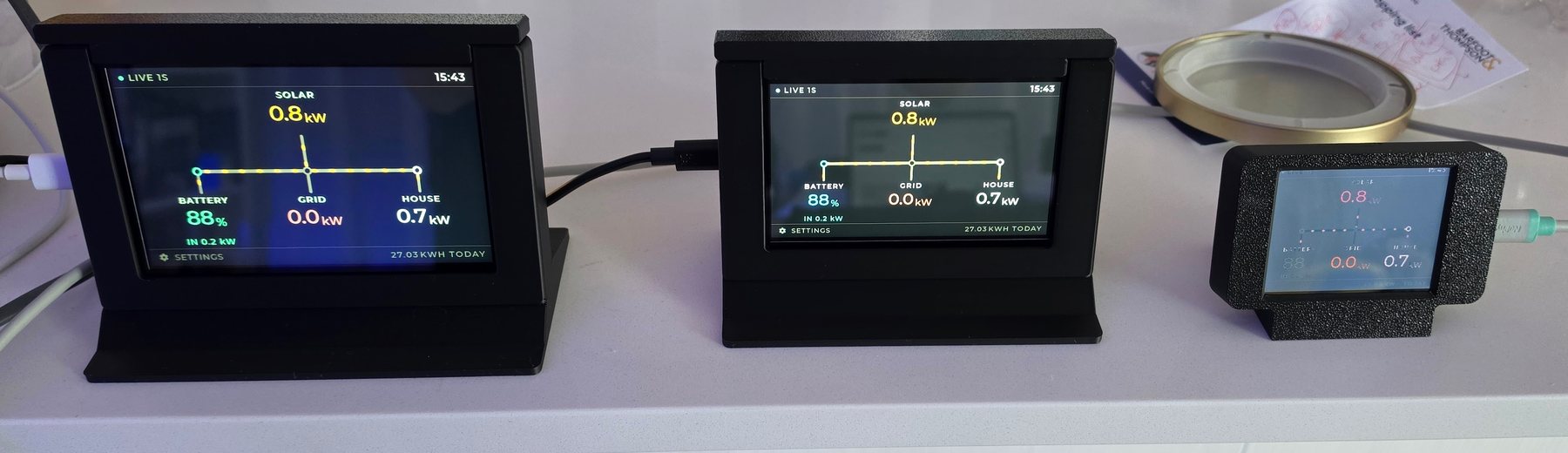
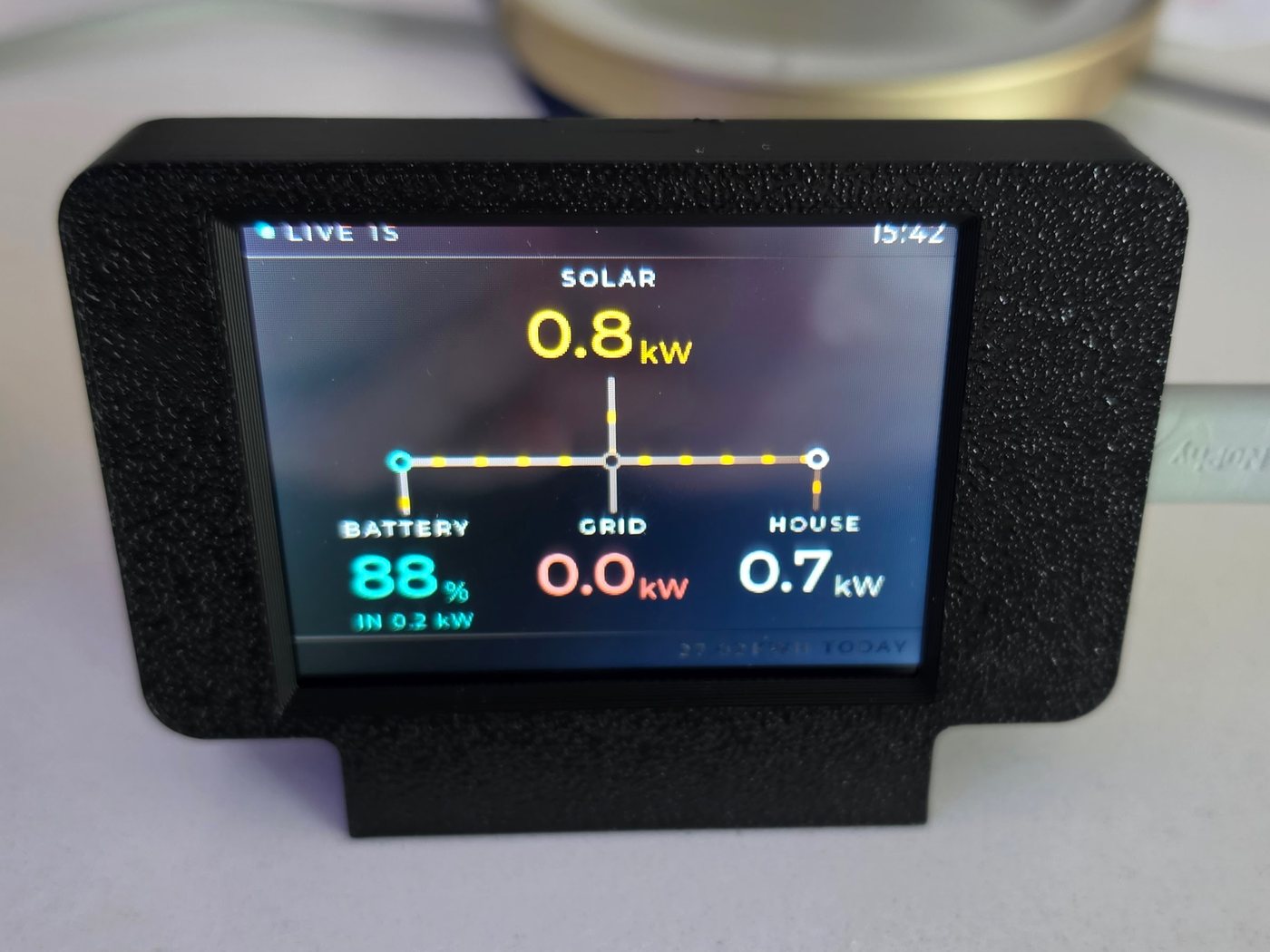
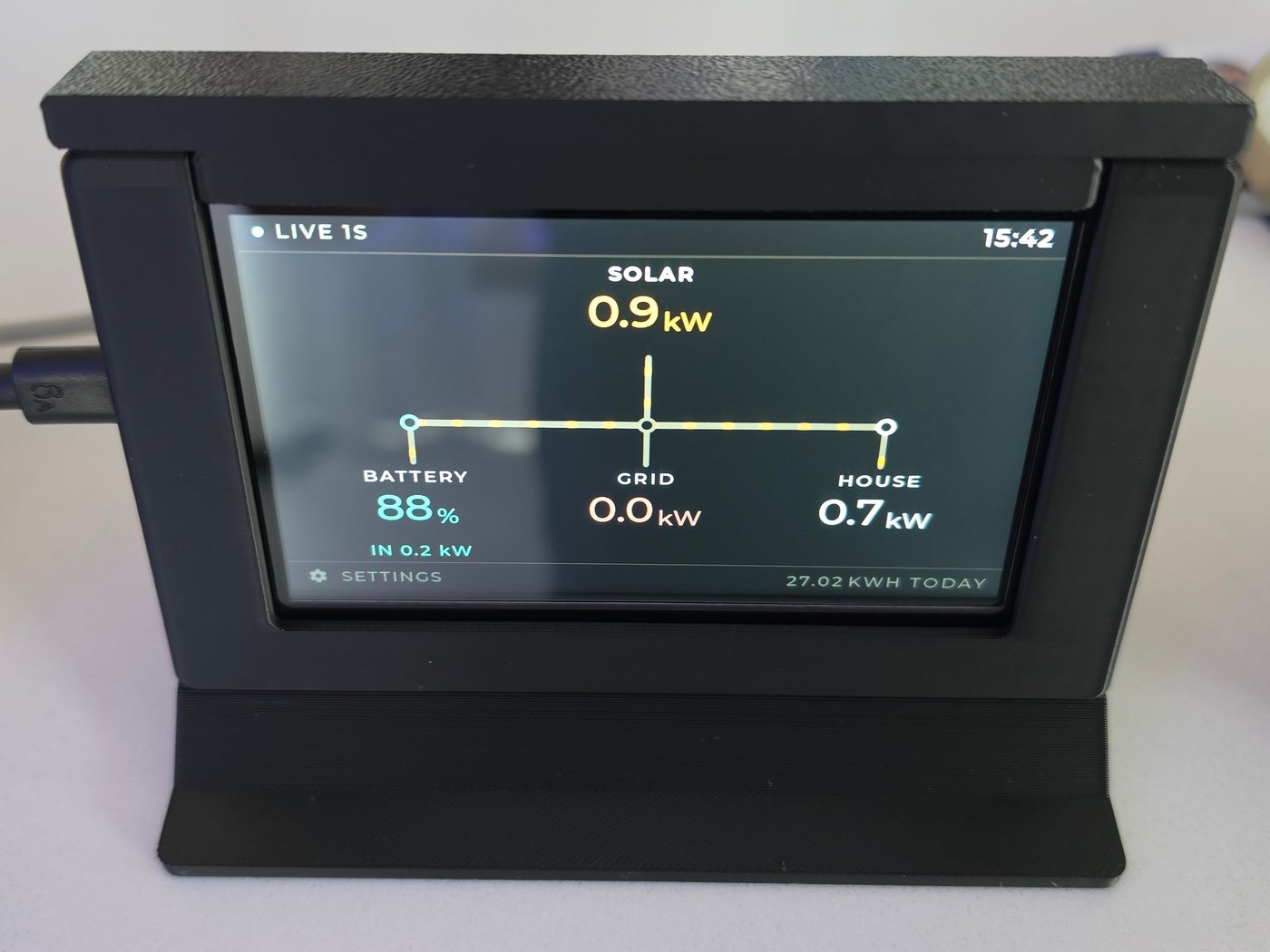
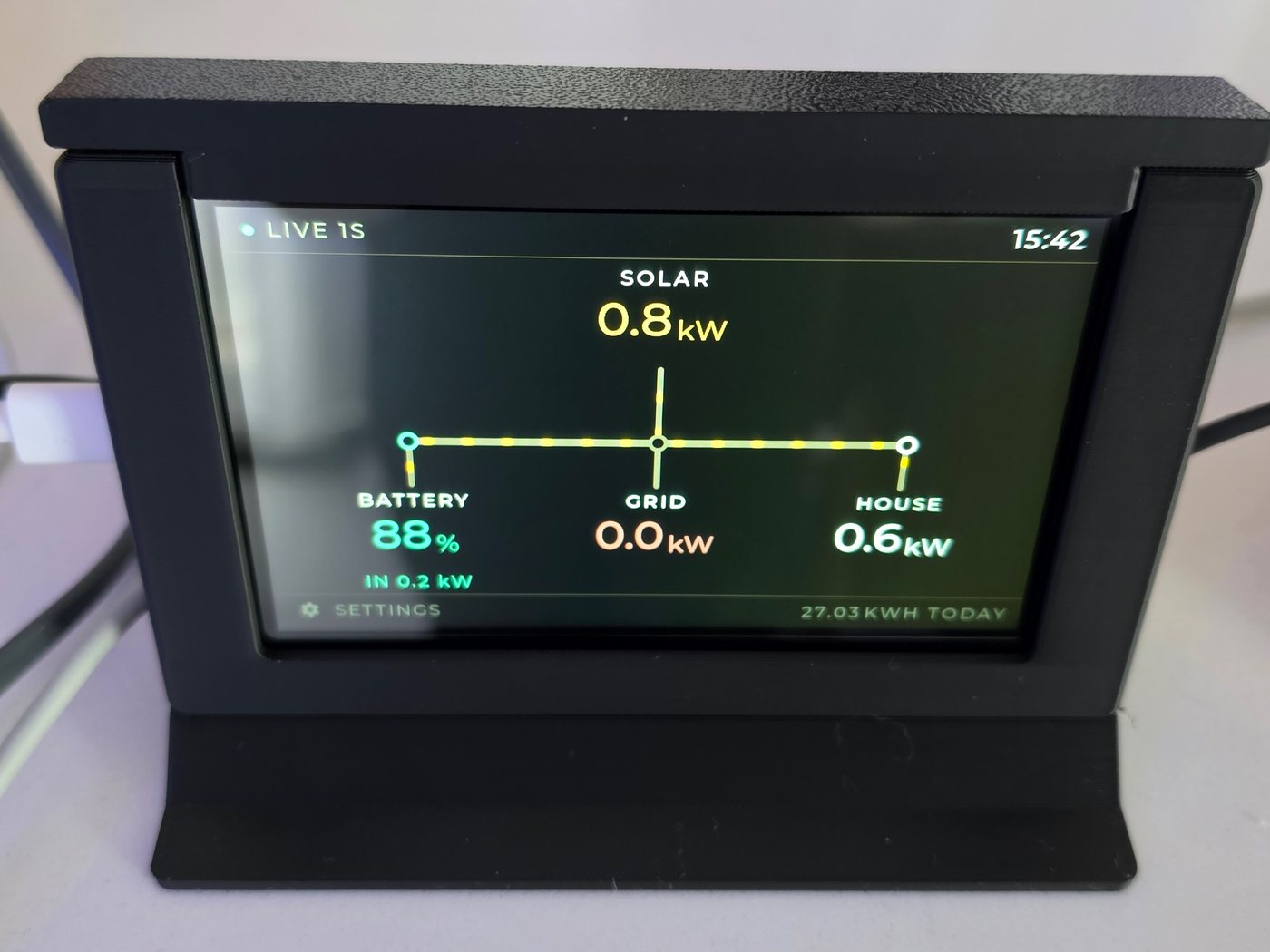
ShowsSolar, house load, grid import and export, battery charge and flow, energy generated today
RefreshEvery second
Connection2.4 GHz wifi, on your own network. No cloud service, no account
Finding your systemAutomatic — scans the network at setup, no IP address to enter
In the boxThe display in a 3D-printed case and stand, and a USB-A to C cable
PowerUSB-C, a few watts, running continuously. Bring your own plug — any phone charger will do
Panels2.8-inch 320 × 240, or 4.3-inch and 5-inch 800 × 480 touchscreen
Firmware updatesOver your home network, from a page on the device. Falls back to the previous version if an update won't start
Changing wifi4.3-inch and 5-inch: Change wi-fi on the settings screen, which keeps everything else. 2.8-inch: hold BOOT through a five-second countdown for a full reset
Ships fromNew Zealand
Does it need the internet?
Only your wifi. SigBuddy reads your Sigenergy system directly on your local
network, so when your broadband drops out the display carries on as
normal. Nothing about your generation or usage is sent anywhere.
What if I don't have a battery?
Say no to the battery question during setup and the battery is left
out of the diagram completely — you get a solar, grid and house layout
drawn for your system. You can change the answer later by resetting it.
Will it work with my inverter if it isn't Sigenergy?
No. SigBuddy speaks to Sigenergy systems specifically. If
you have something else, this isn't the product for you and we'd rather
say so before you buy it.
Can I put more than one in the house?
Yes, they're independent — each one reads the system on its own. A
common pairing is the 4.3-inch in the kitchen and a 2.8-inch on a desk.
Do I have to mount it?
No. All three stand on a shelf or bench as they come. Power is a USB-C
cable, so it goes wherever you have a socket.
What if my wifi password changes?
It depends which size you have. On the 4.3-inch and the 5-inch, tap the gear and
choose Change wi-fi — it restarts, asks for a network, and
keeps everything it already knows about your solar system. The 2.8-inch
has no touchscreen, so it's a full reset: hold the BOOT button on the
back until the screen counts down from five and let go. That clears the
battery answer along with the wifi, so you'll answer both again.